
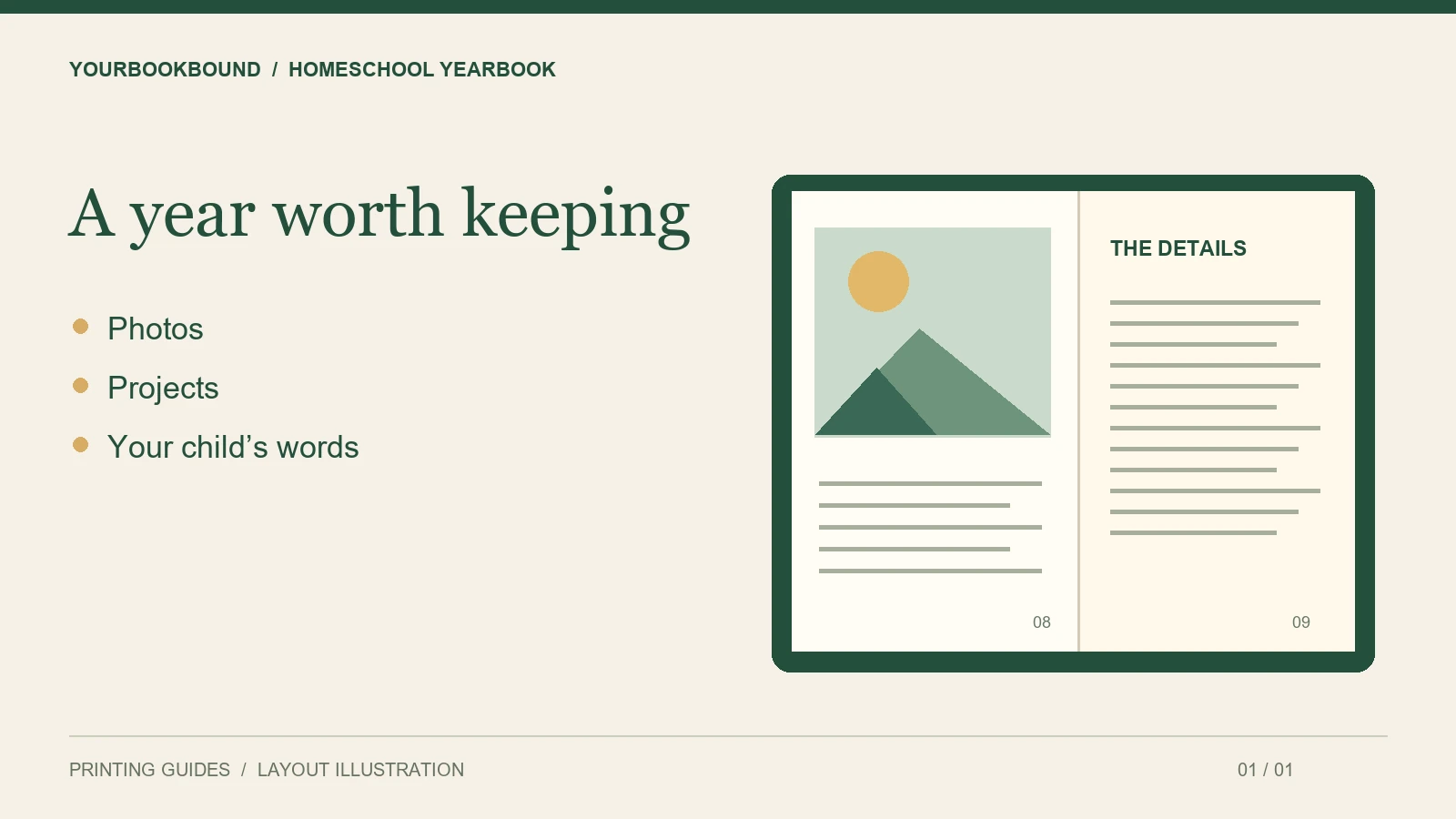
A homeschool yearbook can be a single book for one child or one family. Start with the photos and finished work you already have, choose a simple structure, and review the pages at their intended printed size before ordering. You do not need to recreate a large school yearbook or fill it with material just to reach an arbitrary length.
Decide what the book should remember
A yearbook tells the story of a year. A working portfolio collects evidence of learning. Your book can include elements of both, but decide which purpose comes first. For a keepsake, a photograph of a muddy field trip may matter more than another worksheet. Keep any records required for your own educational administration separately; this article is about creating a family book.
Ask your child to choose three things they are proud of and one thing they want to remember. Their selections help the book sound like their year, rather than a catalogue of activities chosen entirely by adults.
Use a page plan before designing
Here is an example structure to adapt, not a printing requirement:
- Opening: the year, a family photograph and a short introduction.
- Learning: a few projects with a sentence explaining what happened.
- Everyday life: reading spots, hobbies, pets and routines.
- Adventures: visits, walks, clubs or shared activities.
- Closing: the child’s reflections and a letter to their future self.
For each section, list the available pictures before assigning pages. Give a science project with a detailed diagram more space than a short caption. If several children share the book, use the same basic sections for each without forcing their contributions to be identical lengths.
Collect originals, not screenshots
Create folders for photographs, artwork and text. Keep original photo files where possible, and photograph flat work straight on in even light. A screenshot of a worksheet or a compressed picture from a message may look fine on a phone but lose clarity when enlarged.
Name files in sequence, such as 01-cover-photo and 12-garden-project. Keep a separate caption list with names, dates and explanations. If drawings are a major part of the book, our guide to turning a child’s artwork into a book covers that preparation in more detail.
Make captions readable on paper
Choose a consistent caption style and leave comfortable space around photographs. Preview the smallest caption at the final page size. An entire year’s memories should not become a grid of tiny pictures and unreadable dates. Use fewer pictures on a page when the details matter.
Before sharing a draft with a group, ask contributors which names and photographs they want included. Remove school logins, contact details and other information that does not belong in the keepsake.
Check the proof with your child
Check names, the year on the cover, missing captions and pictures that appear twice. Then ask your child whether any important moment is missing. Make those changes before approving the digital proof. Digital proof approval checks content and layout; it is not a physical paper or color sample.
What could a small family yearbook include?
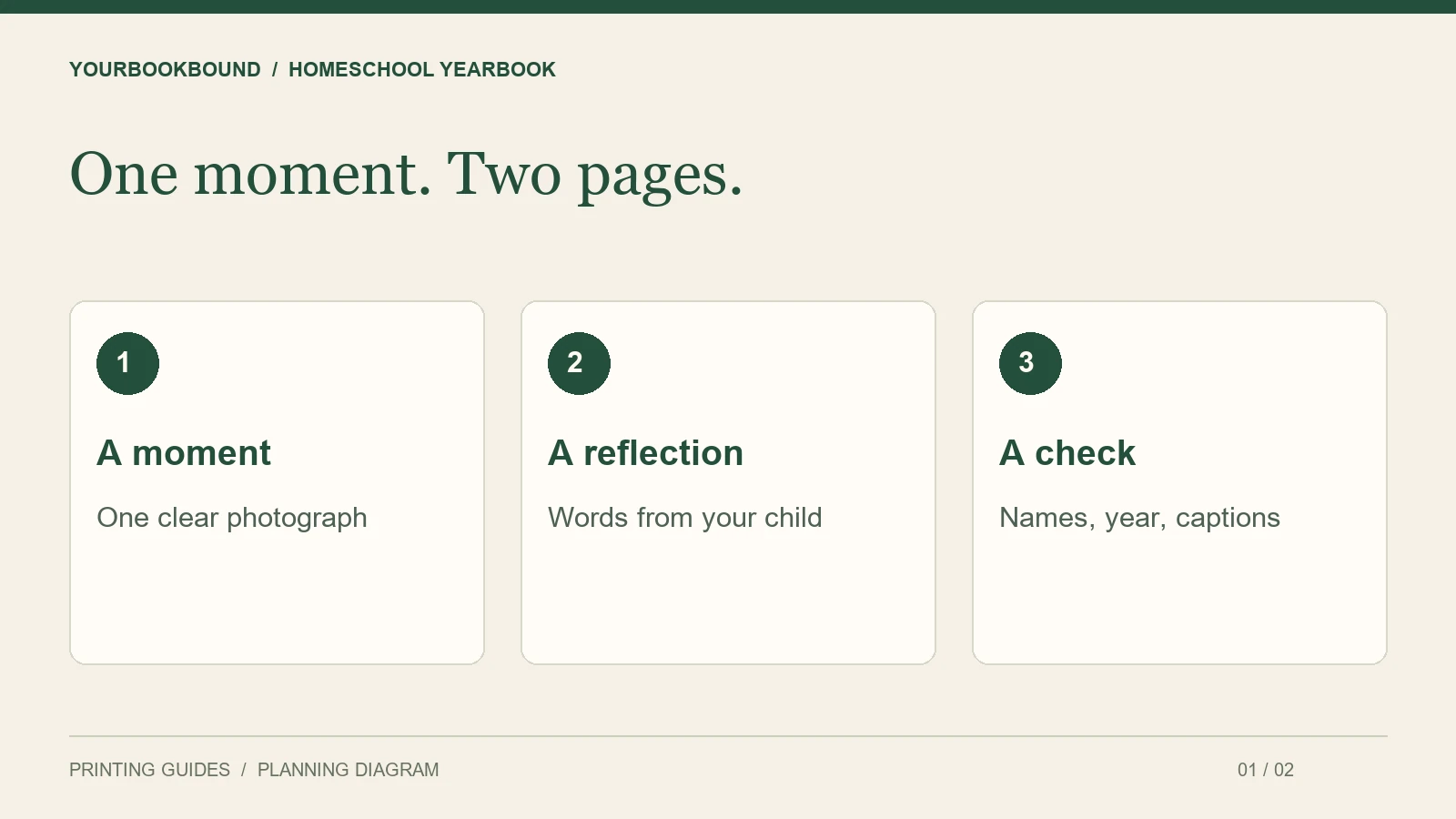
Start with a reusable two-page unit: one page for a moment, one for what your child remembers about it. For a garden project, that might mean a large photograph of the seedlings on the left and a drawing with two sentences on the right. This is an example layout, not a required page count or a customer case.
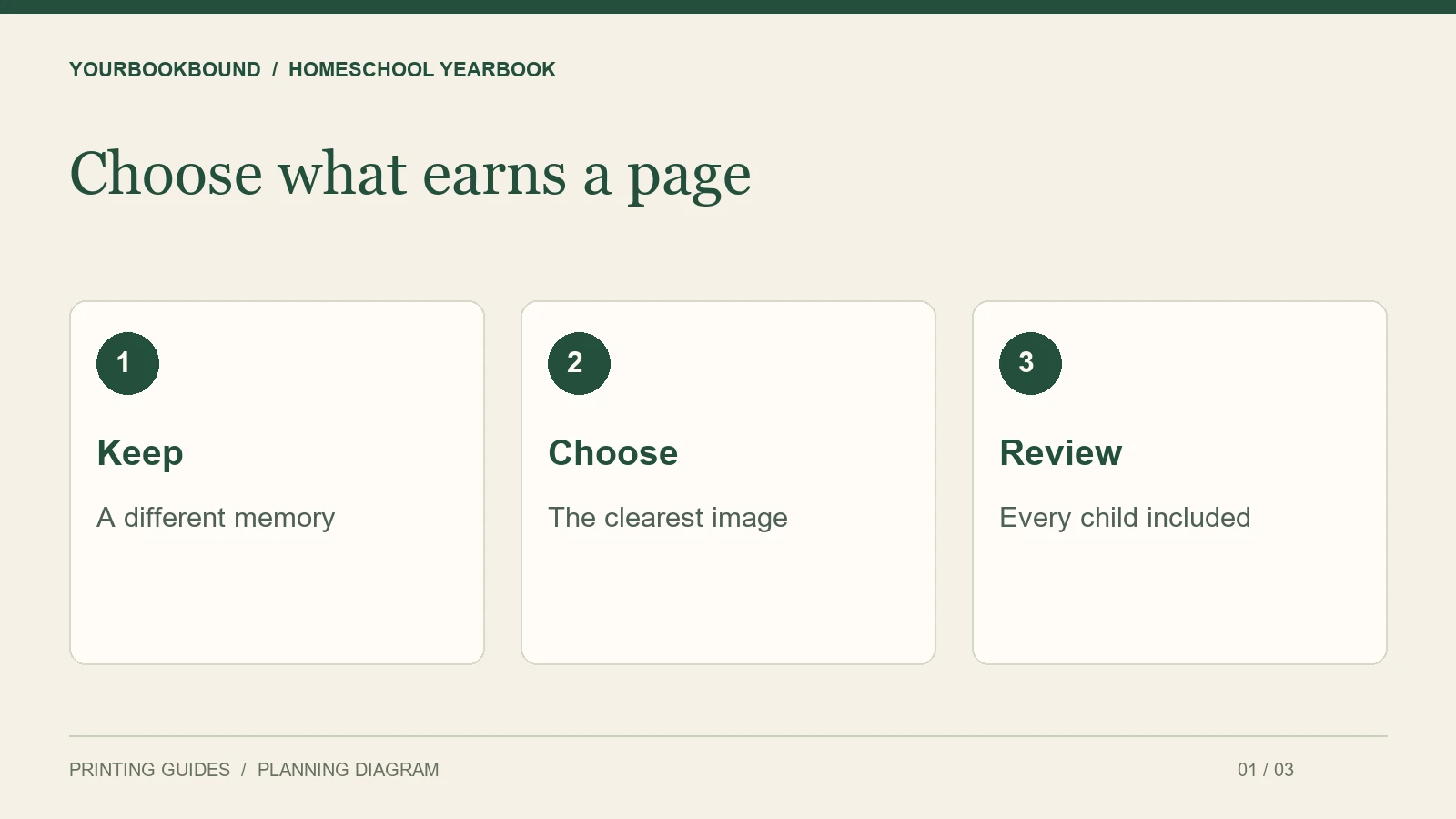
Use the following selection test before adding another spread. Does it show something different? Can you identify what happened without explaining it aloud? Does your child want to keep it? If three photographs tell the same story, keep the strongest one and save the others in your digital archive.
For siblings, check the finished page list by child as well as by activity. Equal page counts are optional, but an accidental omission is worth catching. For a co-op book, expand the permissions and contribution process before collecting everyone’s files; one-family organization does not automatically scale to a group order.
Can I order only one homeschool yearbook?
YourBookBound welcomes one-copy hardcover projects. Send the approximate page count, preferred size and delivery country with your files so the team can check the project.
Do I need a fully designed PDF?
You need completed text and images, but they do not have to be professionally laid out. Explain the order and captions you want. Request a free file check before spending hours polishing a layout that may need to change.