
Trim size is the finished width and height of a printed page after cutting. Choose it before final layout. First confirm what the intended printer can produce with your binding, paper, color option, and page count. Then test the story in two or three viable shapes at full size and lock the winner before final cropping, typography, pagination, and cover design.
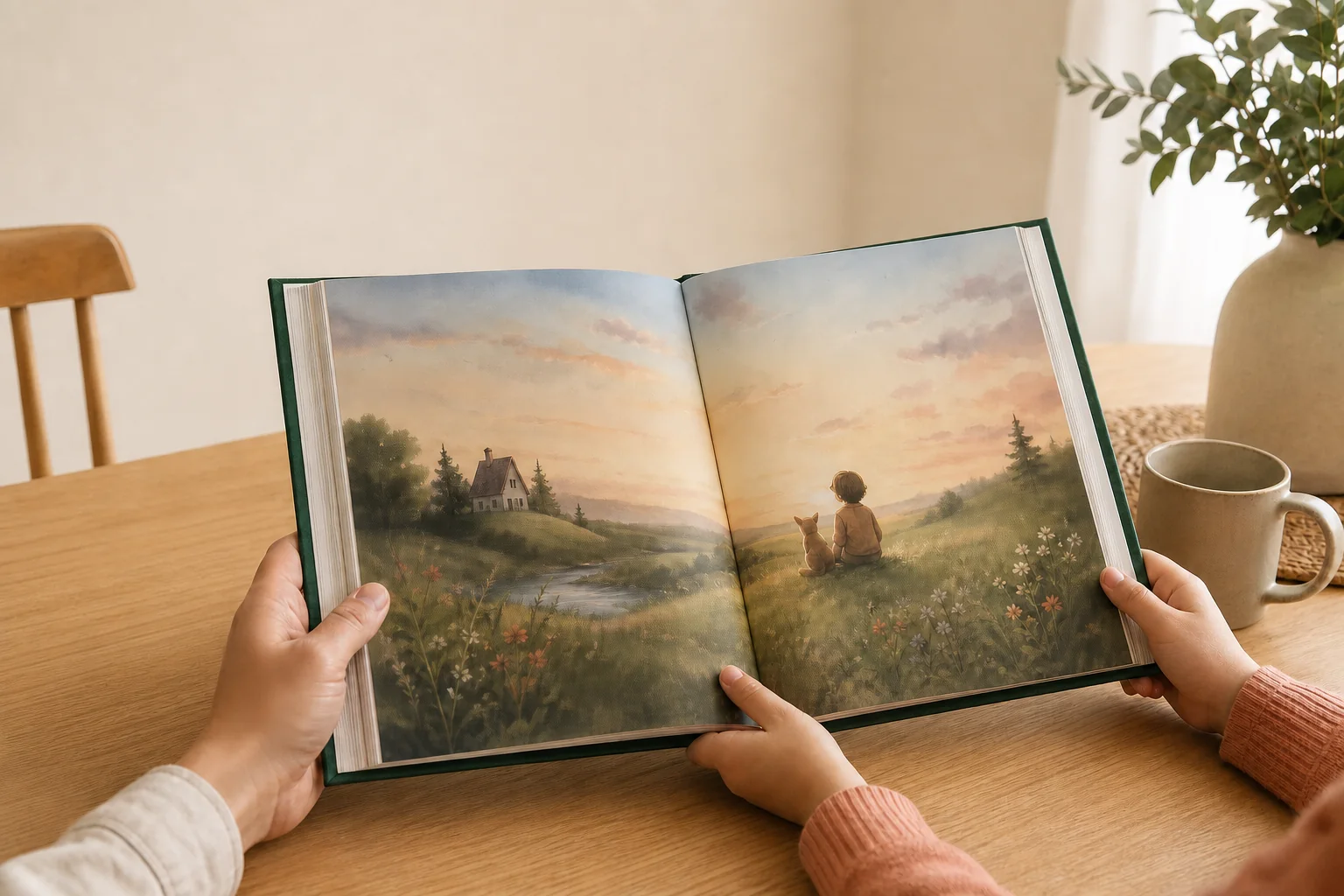
Why children’s book trim size comes before layout
A page design is built for a particular rectangle. Change that rectangle and the design changes with it. A wide forest scene may lose both sides when it is moved into a narrow portrait page. A short line of story text may wrap into four lines. A character who sat comfortably away from the edge may end up too close to trim or the binding.
This is why trim size is an early production decision, not a final export setting. It affects:
- how much illustration fits on one page;
- the balance between text and artwork;
- where natural page turns fall;
- how a two-page scene crosses the gutter;
- line length, font size, and paragraph shape;
- page count and the resulting cover construction.
If the book is already laid out, identify its current page dimensions before choosing a product. Lulu’s current guidance makes the dependency explicit: the page size in the source PDF determines which book size can be created. A printer cannot safely convert every finished layout to a different shape without design decisions.
Useful rule: choose the production route, choose the trim, lay out the interior, confirm the final page count, and only then finish the full cover.
Check the production route before choosing a favorite size
Start with what can actually be made. A size shown for one paperback may not be available for a hardcover. A paper or color option may work at some dimensions but not others. Minimum and maximum page counts can also change with the format.
Current provider documentation shows how different these combinations can be:
- Amazon KDP publishes separate trim and page-count combinations for paperback and hardcover. Its current U.S. table lists five hardcover trim sizes, each with its own eligible print options.
- IngramSpark says trim availability depends on format, paper, and print option. It also notes that not every ink and paper combination is available at every size.
- Lulu derives available book sizes and formats from the uploaded PDF’s page size and page count. A mismatched or unsupported size must be corrected or paired with a different product.
The provider examples above are not YourBookBound specifications. YourBookBound’s common sizes are A5 (148 × 210 mm), A4 (210 × 297 mm) and 8.5 × 11 inches. Common paper options are uncoated woodfree paper (offset paper) and double-sided coated art paper. There is no page-count limit: choose the number of pages your book needs. We confirm the final size, paper and page count with you during the free file check. Do not copy a template from one provider into another provider’s workflow.
A short picture book makes this especially important. KDP’s current case-laminate hardcover combinations begin at 75 pages. That does not mean a short book cannot be printed as a hardcover. It means that this particular KDP route may not match it. Check the real service and binding instead of treating one platform’s table as an industry rule.
Square, portrait, or landscape?
There is no best shape for every picture book. The right choice is the one that supports the artwork and reading sequence while remaining available in the intended production route.
| Shape | Useful when | Test carefully |
|---|---|---|
| Square | The art alternates between single-page scenes and balanced facing-page compositions | Whether the desired square size is available with the final binding, color, paper, and page count |
| Portrait | Characters, buildings, trees, or vertical movement lead the composition | Whether wide scenes become cramped or force important details toward the gutter |
| Landscape | Journeys, groups, maps, panoramas, or side-by-side action need horizontal room | How the open spread sits in a reader’s hands and whether the chosen binding supports that orientation |
IngramSpark materials have used both 8 x 8 and 8.5 x 8.5 inches as picture-book examples. That variation is useful: a familiar square format is not an automatic answer. A book designed around tall characters may work better in portrait. A panoramic story may need landscape. Even when two books use the same nominal size, paper, binding, cover construction, and page count can create a different object.
Look at physical books for the same age range and reading situation. Do not stop at the dimensions printed on a product page. Hold the books, turn the pages, notice the type size, and see how much of a spread remains easy to view near the binding.
A five-step test before you commit
1. Write down the nonnegotiable content
List the scenes that cannot be cropped, the pages with the most text, and any spread where the center action matters. These pages will reveal format problems faster than a quiet title page.
2. Remove sizes the production route cannot support
Check the intended binding, paper, color option, orientation, and expected page count together. Keep only the combinations the printer currently accepts. If you are comparing services, create a separate shortlist for each one.
3. Test two or three real page shapes
Place the same demanding spread and the same text-heavy page into each candidate size. Recompose rather than simply scaling the whole page. A true test lets you move the text, adjust the crop, and protect the focal point.
4. Print the test at actual size
A screen can make every format feel equally manageable. Print a few representative pages at 100 percent scale, trim the sheets to the proposed dimensions, and place facing pages together. Check type size, visual density, hand position, and the center fold.
5. Lock one written specification
Record width first, height second, orientation, binding, paper or interior choice, bleed status, and the provider or production route. Use the same specification in the source document, proof request, and cover brief. A label such as “square picture book” is not precise enough.
What changes when a finished book is resized
Resizing is not the same as printing at a different percentage. The aspect ratio may change, and even a proportional change affects physical type size and the relationship between details.
Review each of these after any trim change:
- Illustration crops. Edge content may disappear or new blank areas may appear.
- Text wrapping. A different line length can change paragraph height and page balance.
- Safe content. Faces, captions, and page numbers may move too close to trim.
- Gutter placement. The focal point of a spread may shift toward the binding.
- Pagination. Reflowed text can add or remove pages.
- Cover dimensions. A changed trim or page count can invalidate the old cover template.
KDP’s formatting help warns that changing page size can shift text and change page count. Lulu reports unsupported and mismatched sizes as upload errors. These are not cosmetic warnings. They show that the interior PDF, chosen product, and cover belong to one coordinated specification.
If the page shape changes substantially, return to the editable source file. Adding white borders or stretching a finished PDF may make the file dimensions look correct while damaging the design.
Why the full cover must wait for the final interior
A print cover is not just a front-cover rectangle. It may include the back, spine, front, bleed, safe areas, hinges, or wrap, depending on the binding. Its total width depends on the finished trim and final spine measurement. The spine, in turn, can depend on page count and paper.
KDP directs hardcover users to generate a template from the exact specifications. Lulu likewise creates a cover template from the selected size, page count, paper, and cover type. IngramSpark publishes separate construction guidance for different cover formats.
You can develop the cover concept early, but wait to build the production file until the interior trim, binding, paper, and page count are stable. If any of those change, download a fresh template rather than adjusting the old one by eye.
Trim-size handoff checklist
- State the finished width and height, in that order.
- Name the orientation: portrait, landscape, or square.
- Confirm binding, paper, interior color, and expected page count.
- Confirm whether any interior artwork reaches the page edge.
- Use the current template for the selected production route.
- Set every interior PDF page to the same dimensions and orientation.
- Inspect the exported PDF as single pages and facing pairs.
- Build the final cover from the stable interior specification.
For the full path from finished story to physical book, use the one-copy children’s book guide. The current file guide explains what to send for an initial review.
Frequently asked questions
What is a standard children’s book trim size?
There is no single standard for every children’s book. IngramSpark materials have used both 8 x 8 and 8.5 x 8.5 inches as picture-book examples. Availability and fit still depend on the actual printer, binding, paper, color option, page count, and artwork.
Is 8 x 8 a good size for a children’s book?
It can be a useful square format when the artwork works in square pages and the selected production route supports it. Test your hardest spread and most text-heavy page at actual size before choosing it.
Can I change the trim size after the PDF is finished?
Yes, but expect design work. Recheck crops, line breaks, type size, page count, safe areas, gutters, and the cover. Work from the editable source when possible instead of stretching the final PDF.
Does trim size include bleed?
No. Trim size describes the intended finished page. Bleed is extra artwork outside that edge and is prepared according to the final printer’s current template.
Should every page in the interior PDF be the same size?
For the provider guidance reviewed here, yes. Lulu specifically identifies mixed page dimensions or orientations as an error. Follow the actual printer’s instructions if it requests something different.
Can YourBookBound choose the size from my finished file?
Submit the complete interior for an initial file check. The team can review the file against the current workflow before you order. A cover is optional at that first stage.
Story finished, format uncertain
Check the file before rebuilding the layout.
Send the complete interior for a free initial review. No payment is required at upload, and there is no obligation to order.
Official references
- Amazon KDP: Print Options
- Amazon KDP: Format Your Hardcover
- Amazon KDP: Fix Paperback and Hardcover Formatting Issues
- IngramSpark: Print Book Trim Sizes
- IngramSpark: Master Your Book Cover Design
- IngramSpark: Picking a Popular Trim Size for Your Book
- Lulu: Tips for Formatting Documents
- Lulu: How to Create a Print Book
- Lulu: Common Publishing Errors and How to Fix Them