
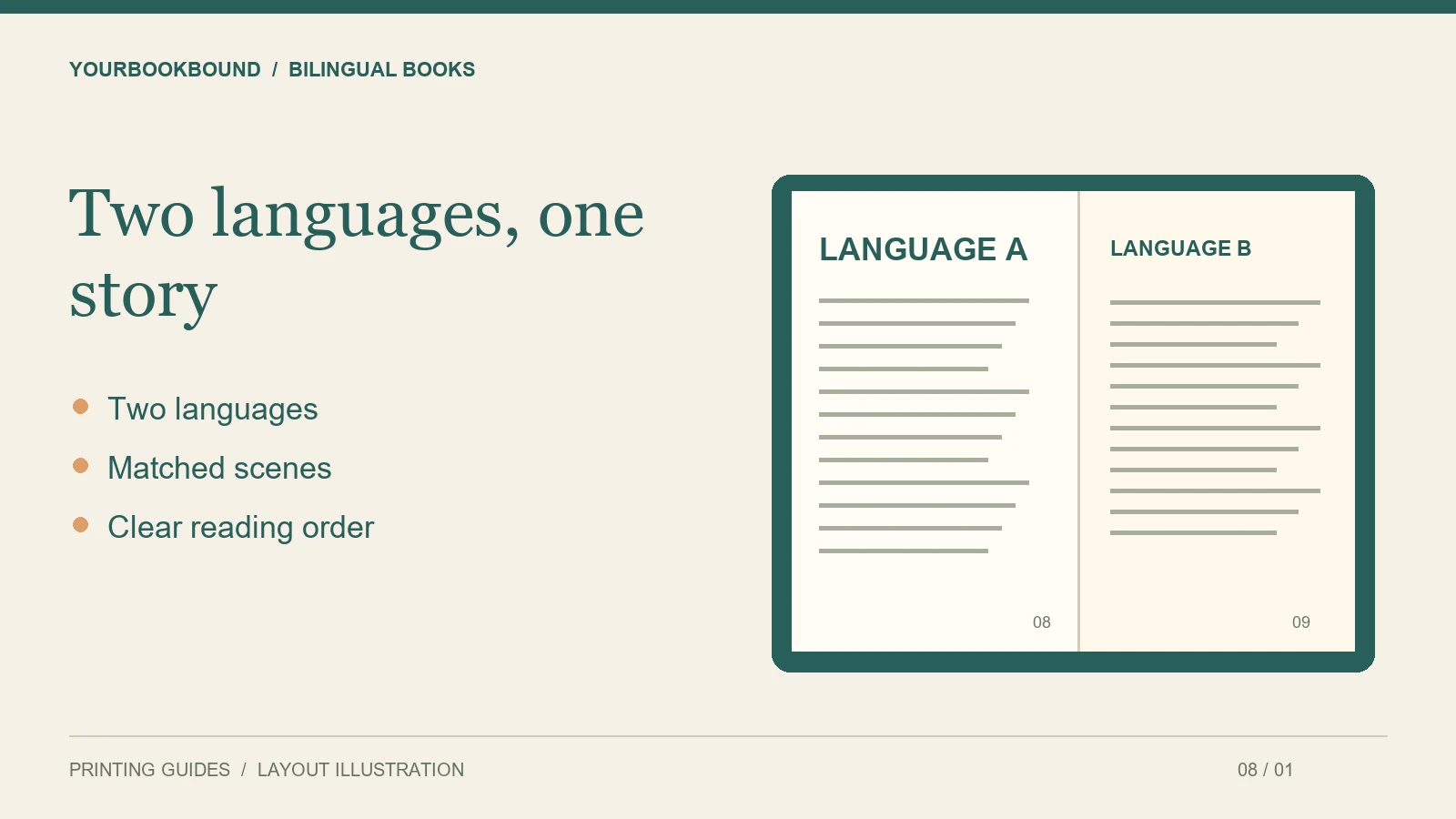
For a bilingual children’s book, prepare both language versions before final page layout and check them together in the printed-page design. Two correct text files can still produce a confusing book if the text order, type size or relationship to the illustrations is unclear.
Decide how the book will be read
Will an adult read both versions aloud, will readers choose one language, or will they compare matching passages? Your answer should guide the layout. Do not assume that placing a translation wherever there is spare space will create a consistent reading experience.
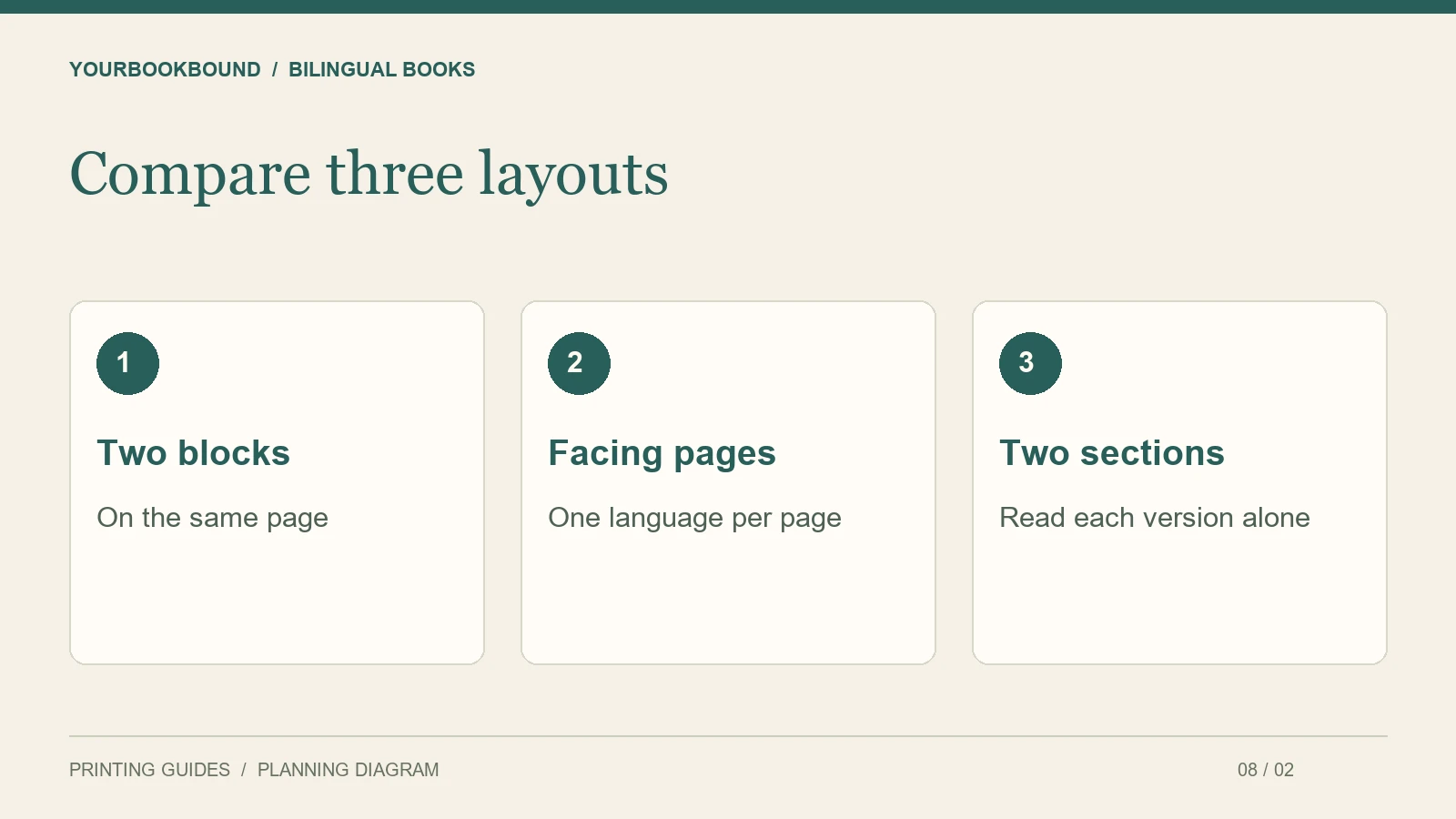
Three possible arrangements are two text blocks on each page, one language on each facing page, or separate sections for each language. These are design choices, not guarantees of a particular educational result. Sketch a complete scene in the preferred arrangement before designing the full book.
Match passages before matching page counts
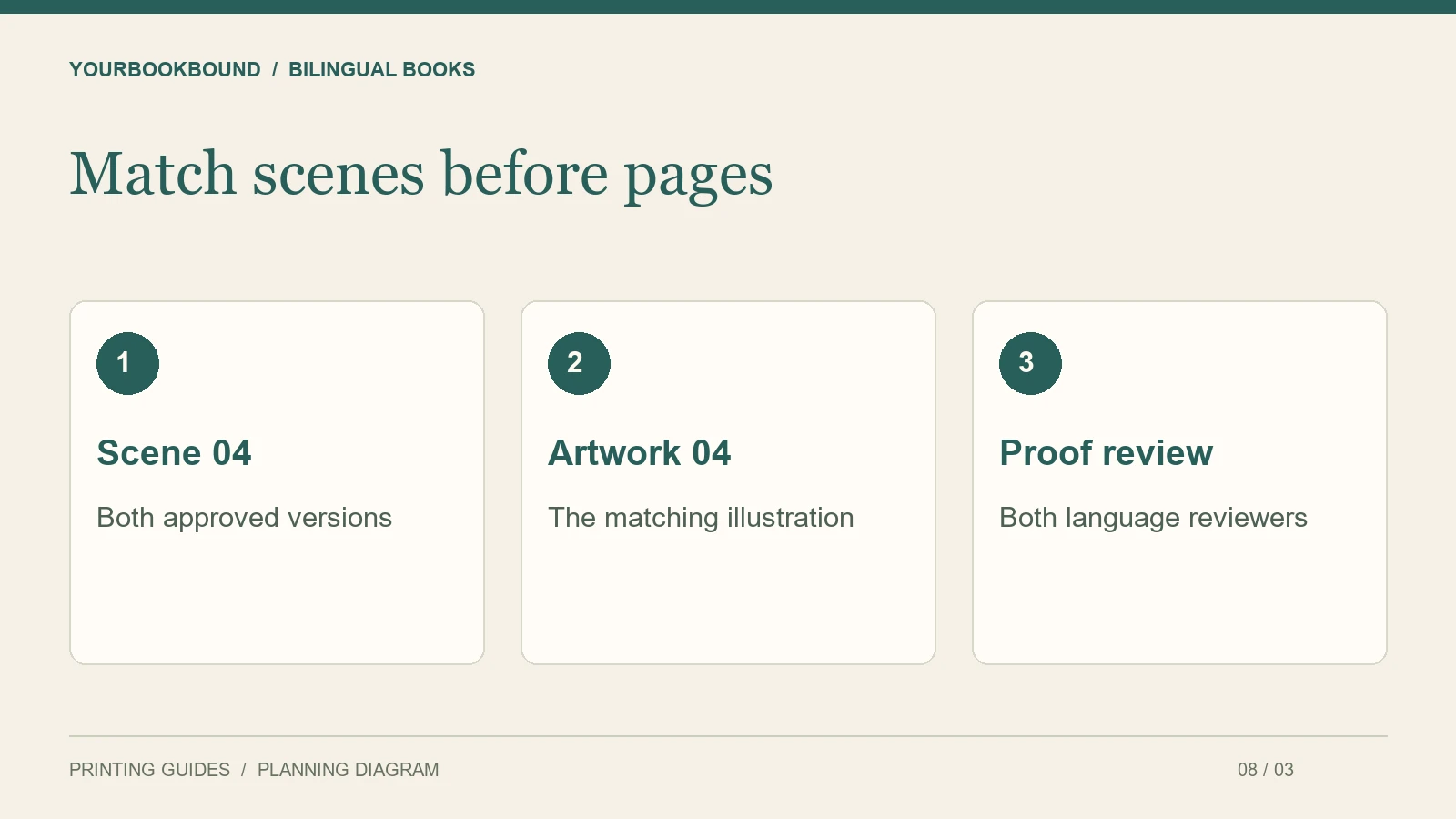
Give each passage an identifier, such as Scene 04, and place the approved versions together in your handoff document. A translation may need more space than the original, so equal word counts or identical line breaks are not reliable goals.
If text is shortened to fit, have the revised wording reviewed in that language. Do not reduce type until one version becomes noticeably harder to read. It may be better to adjust the illustration placement or divide the scene across more pages.
Test the actual scripts and fonts
Make a sample page containing the characters, punctuation and emphasis used in each language. Check accented letters, non-Latin characters and any combinations that have caused problems in previous exports. A font that looks suitable for an English title may not contain the characters the second version needs.
For right-to-left text or a different book-opening direction, explain the intended reading order during the initial file review. Do not assume the default layout is appropriate. Keep a reference image of the approved arrangement and compare it with the exported PDF.
Keep the language guide consistent
Readers should be able to recognize which text belongs to which language without relying only on color. Use consistent placement, clear labels where useful, and readable type. Avoid changing the order of the two language blocks from page to page unless the book has a deliberate reason to do so.
Check whether a picture still matches both passages after revision. An illustration may support a phrase in the first version but become confusing if the translation changes the location of a detail or moves information to another page.
Prepare a bilingual handoff checklist
- Completed and reviewed text for both language versions.
- Matching scene or page identifiers.
- Final illustrations and notes about text placement.
- Preferred reading direction and book-opening direction.
- Names of the people responsible for approving each language.
The illustrator handoff checklist covers the artwork side. The font-embedding guide covers another important export check.
Proof both versions after layout
Have a fluent reviewer read each version in the actual proof. Compare the first and last sentence on every page with the approved text, then check captions and cover wording separately. Proofing only the original document will not catch a missing line introduced during layout.
Which bilingual layout suits your reading plan?
| Arrangement | Useful when | Watch for |
|---|---|---|
| Two blocks on one page | Readers compare short matching passages. | Too much text competing with the illustration. |
| One language per facing page | Readers want more space for each passage. | The paired text moving onto different spreads. |
| Separate language sections | Readers follow one complete version at a time. | Extra pages and a clear way to find each version. |
These are options to try, not a rule that one arrangement teaches a language better. Choose the scene with the longest approved translation for the test. A short opening sentence may fit beautifully while a later conversation forces the second language into much smaller type.
In your handoff, add one row per scene with both text versions, the illustration filename and approval status for each language. If one version changes after approval, mark its matching scene for review too. Otherwise an illustrator or layout editor may work from a pair that no longer describes the same moment.
Keep the approved language text editable when possible. Text baked into an illustration is harder to correct and may require the original artwork file. Compare the final exported proof with the approved scene list, including punctuation, names and the cover; do not rely on an automatic translation of the finished PDF as your only review.
Is translation included in the printing service?
Do not assume it is. Supply finished, approved language versions. Layout support and file preparation are not a substitute for translation or language editing.
What should I send for review?
Submit your bilingual project for a free file check with the language pair, sample pages, approximate page count and intended size. Confirm support for the scripts and layout before finalizing the whole book.